Business context
The client builds 3D geospatial software for working with buildings on a map. Its users already hold 3D building models made in other tools. Those models were only useful in the product once they sat at the right place on the map.
The challenge
A GLB model has no real-world location or orientation. Placing it meant working out geographic coordinates and transformation values by hand, which most users cannot do. Users also needed a choice of how the model is represented, as GLB or as 3D Tiles, before it entered the building workflow.
Our solution
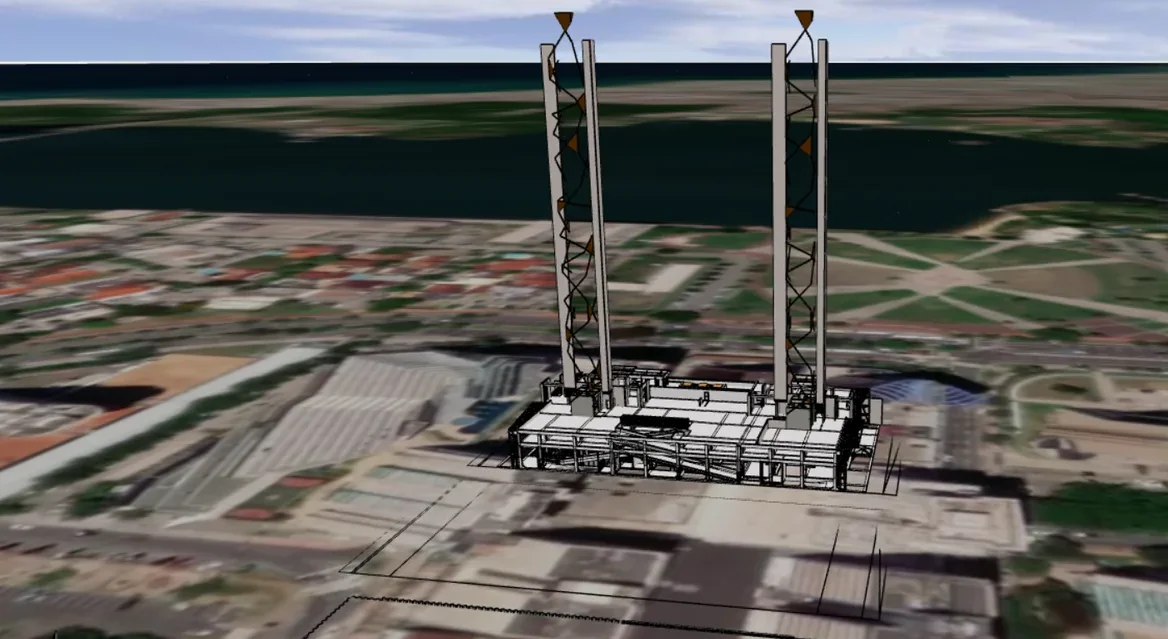
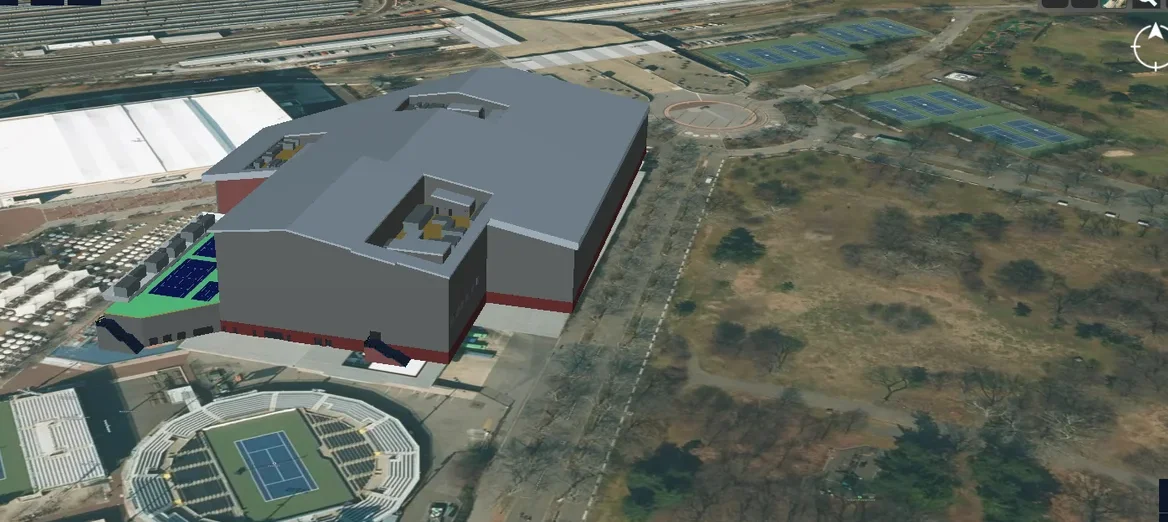
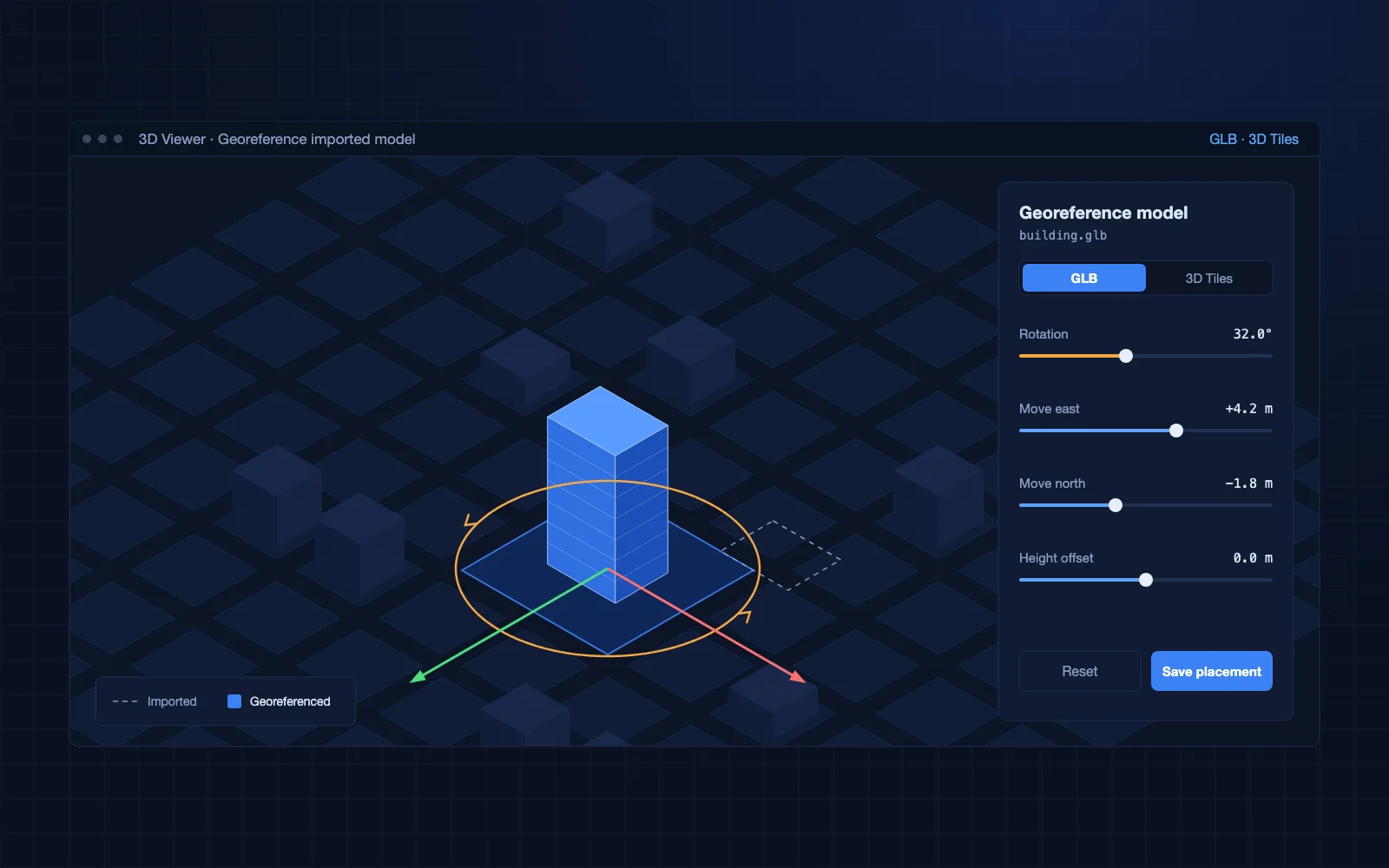
We built an end-to-end workflow, with React, Mapbox GL JS and Cesium Ion, that takes a GLB file from import to a positioned building asset. Users choose the GLB or 3D Tiles workflow, then interactively rotate and move the model directly on the map until it fits, and save the placement. Both are open formats, so models are not locked to one tool.
- GLB import into the application
- Choice between GLB and 3D Tiles workflows
- Interactive georeferencing, with rotation and translation controls on the map
- Review of the placement before saving
- Positioned models passed straight into the building workflow
Business impact
Users take a GLB building model, position it on the map in one interactive step, save the placement and continue working with it in the building workflow.
- Users bring models they already have into the product, with no remodeling
- Placement is visual, so users who do not know coordinate systems can georeference a model
- Import, georeferencing and placement form one flow, not a handoff between separate tools