
NRRDWeb volume viewer
NRRD volume data in the browser: building a web volume viewer
How to render NRRD volumetric scan data in the browser with three.js, with clipping, cross-sections and measurement.
The problem
Why this conversion is hard
- Volumetric scans are usually inspected in desktop tools on a few workstations.
- Volumes are large 3D grids, which a standard mesh viewer cannot show.
- Engineers need slices, clipping and measurement, not just a pretty render.
Our approach
How we do it
- 01
Load the volume
The NRRD header gives dimensions, spacing and data type. The voxel data becomes a 3D texture on the GPU.
- 02
Ray-march in a shader
A fragment shader samples the 3D texture along each view ray, with a color map and thresholds.
- 03
Add inspection tools
Clipping planes, XY, YZ and ZX cross-sections, rulers and fly-through, all in physical units from the voxel spacing.
- 04
Report
Snapshots and measurements are exported straight into reports.
Pitfalls
What usually goes wrong
- Convert integer voxel data to the GPU format you sample, or normalise in the shader.
- Use the voxel spacing from the header for every measurement.
- Large volumes may need downsampling or bricking to fit in GPU memory.
Case studies
Where we have done this
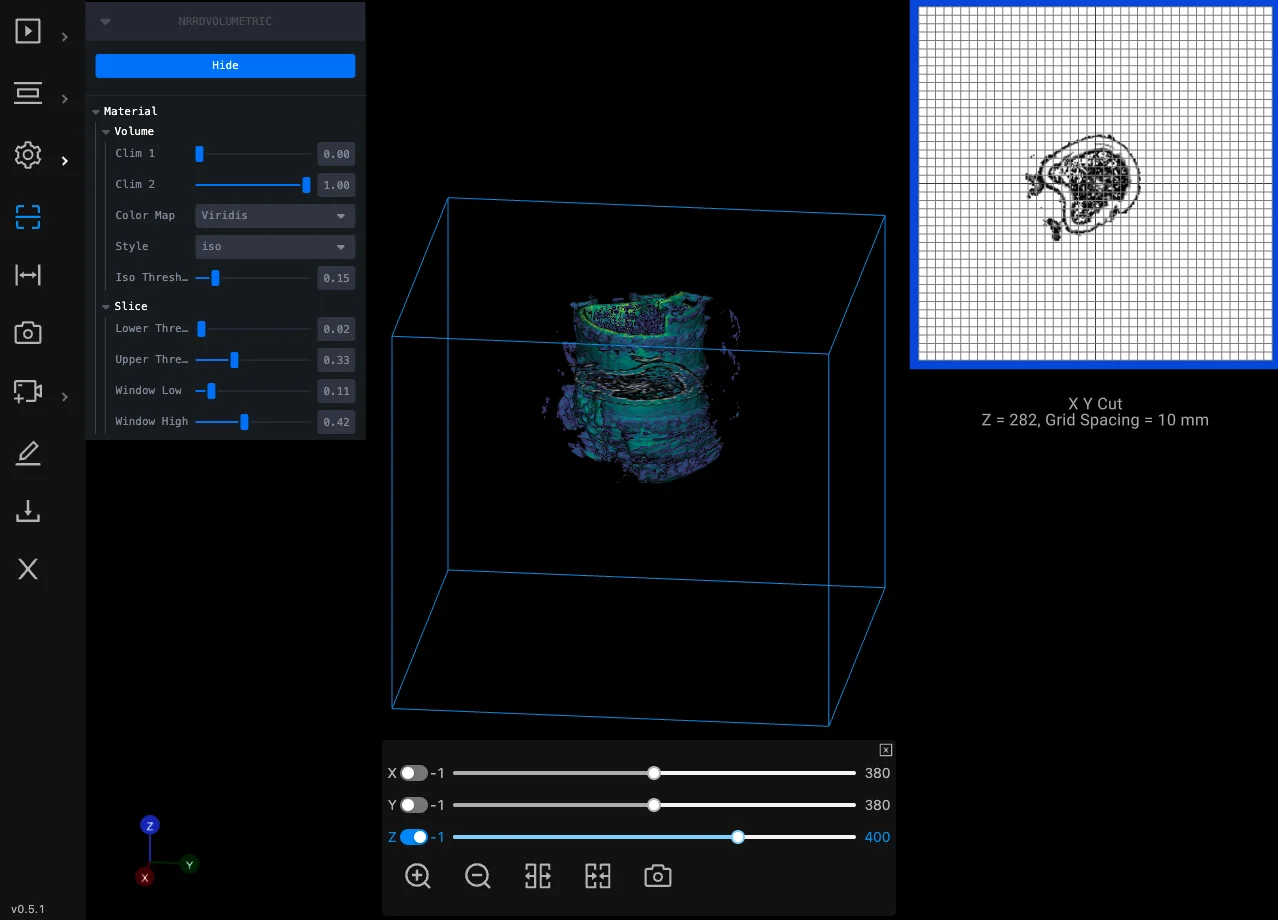
Oil & gas
Oil Well Volumetric Viewer and Data Management Platform
A multi-year project: laser-scan volumetric data of wells inspected and measured in the browser, with reports and data management.
Read case study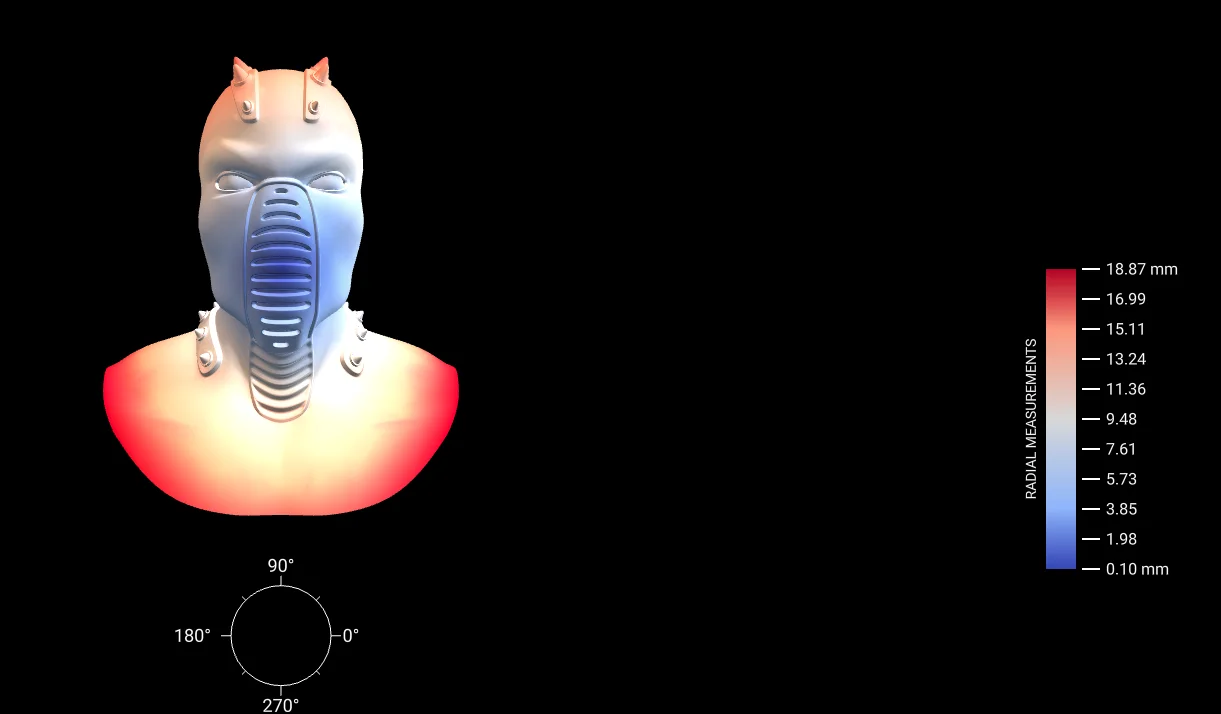
Oil & gas
3D Measurement and Cross-Sectioning of Drilling Data
A web tool to measure and cross-section 3D drilling mesh data.
Read case study
Need this in your product?
Tell us about your data and your product. You will talk to an engineer from the first call.